Show in your store
Sachmerkmale appear in your store through an app block – no code required. You place it in the theme editor on the product page; it shows the product's attributes per variant as a "technical data" table.
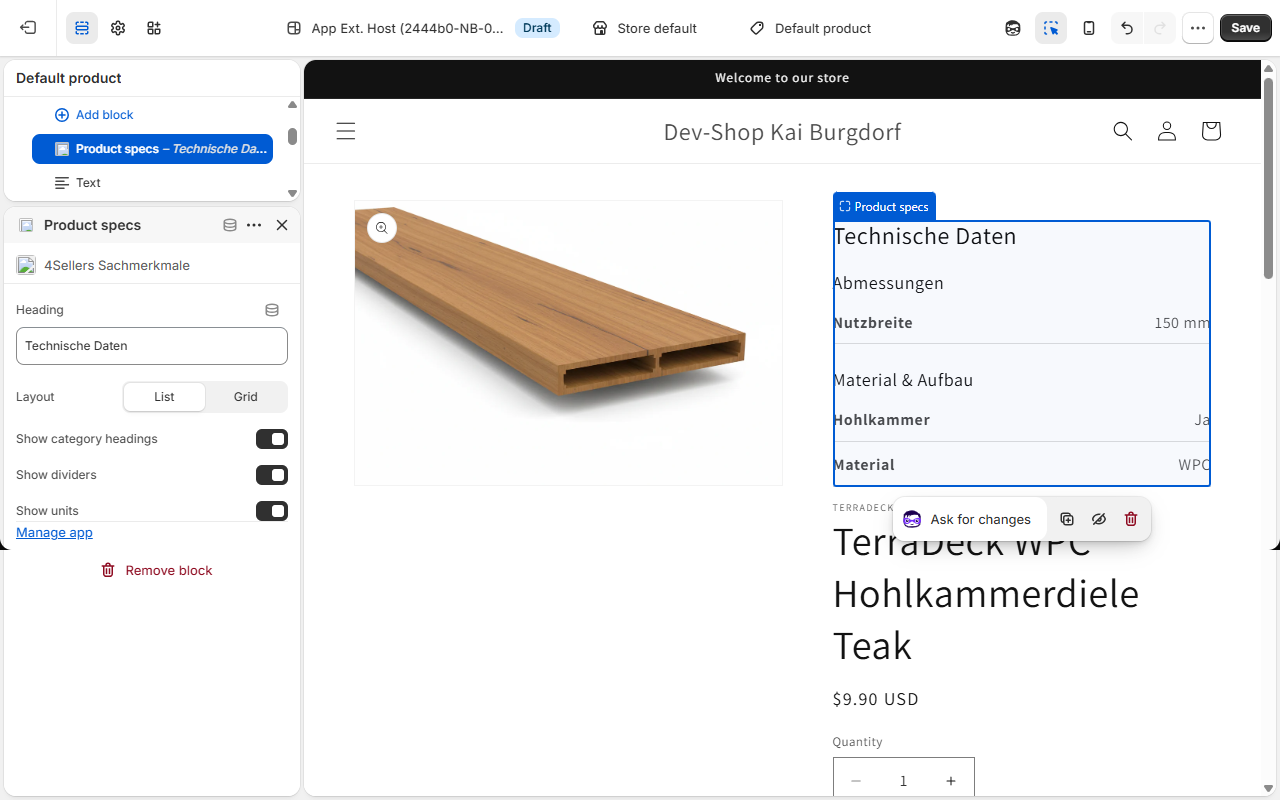
Add the block
- In the Shopify admin, go to Sales channels → Online Store → Themes.
- Click Customize on the desired theme.
- Choose a product page template.
- Click Add section/block and select Sachmerkmale.
- Position the block (e.g. below the product description) and click Save.
Block settings
The block offers the following settings right in the theme editor:
| Setting | Effect |
|---|---|
| Heading | Title above the table (default: "Technische Daten"). |
| Layout | List or Grid for the display. |
| Show category headings | Groups attributes by category with subheadings. |
| Show dividers | Shows dividing lines between entries. |
| Show units | Displays the unit after the value (e.g. "230 V"). |
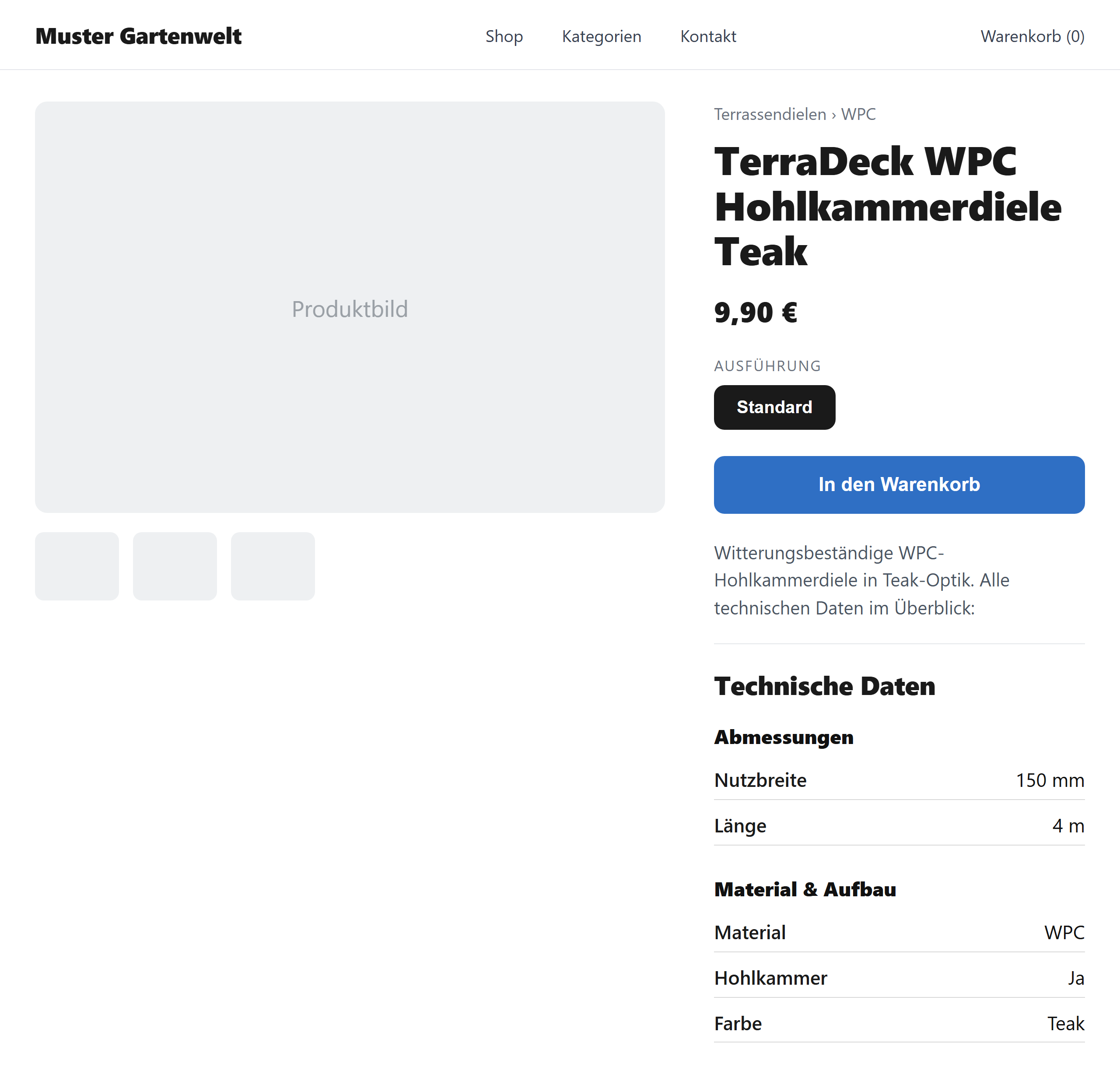
Per-variant display
The block first shows the product's attributes and updates automatically as soon as the customer selects a variant: variant values override product values. How the effective values are composed is explained in the Product preview.
Display and accessibility
- Only active attributes are shown; inactive ones stay hidden.
- The block inherits your theme's font and width and is responsive.
- A simple baseline rendering is already included in the page HTML (good for search engines and in case JavaScript doesn't load) and is replaced by the per-variant view once loaded.
Prerequisite
For the block to show content, the product must have assigned, active attributes. Load them beforehand via Import or synchronize them through the ERP sync.